How to Remove the Gemini Watermark Free with Zero Blur (No Sign-Up)
Learn why AI inpainting ruins your images and how to use a mathematical Gemini logo remover to restore 100% of your original image and Veo 3 video quality for free.
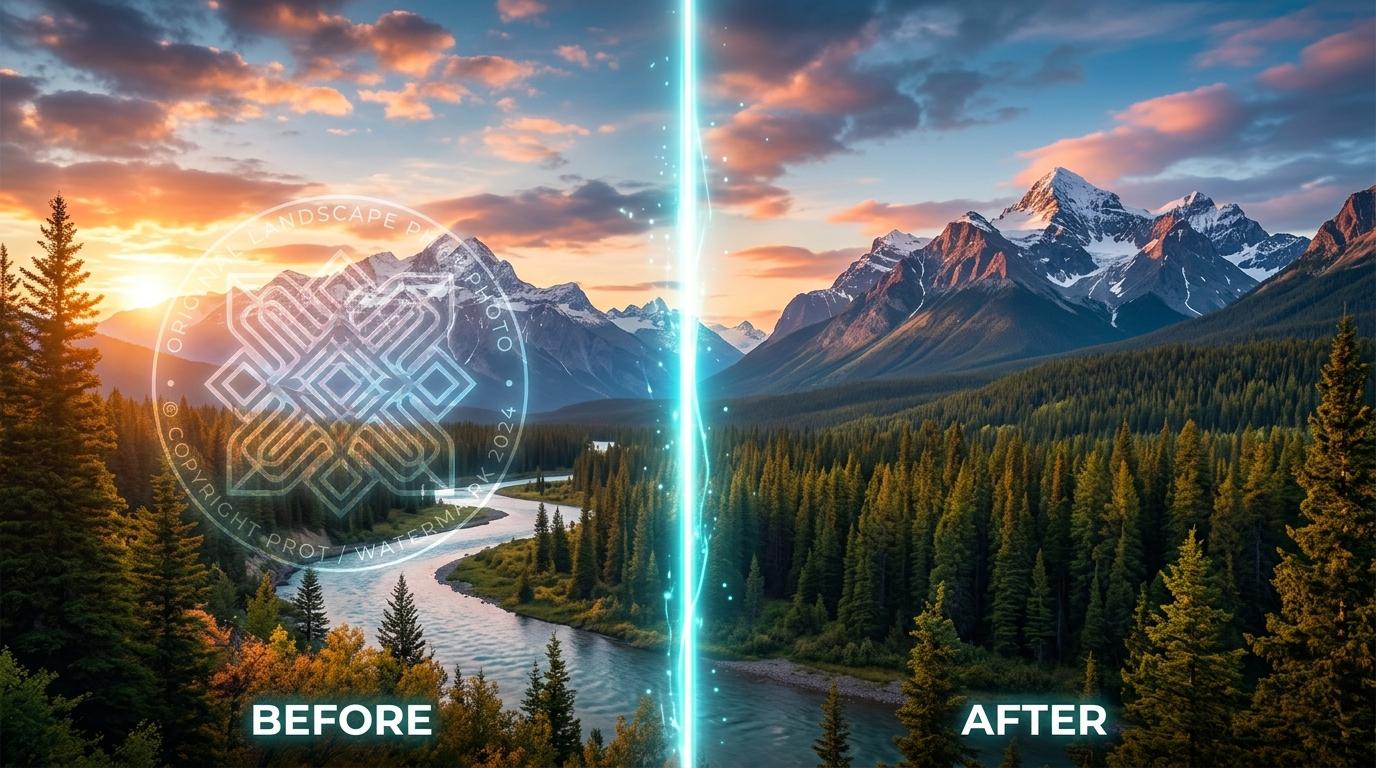
If you have generated stunning images with Google Imagen 3 or cinematic videos with Veo 3, you have likely noticed the transparent 4-point sparkle logo stuck in the corner. While Google adds this to identify AI content, it can ruin the aesthetic of a professional presentation or personal project.
Most users search for a quick fix and end up using generic "AI magic erasers." But there is a massive problem with that approach.
Here is why you should stop using standard AI inpainting and how to use a dedicated Gemini logo remover to get pixel-perfect results locally in your browser.
The Problem with Standard AI Watermark Removers
When you upload a Gemini-generated image to a standard AI object remover, the software doesn't actually "remove" the watermark. Instead, it guesses what pixels should be there and smudges or blurs over the logo. This leaves a messy, noticeable artifact on your image—especially on highly detailed or dark backgrounds.
Worse, many of these tools require you to create an account, pay subscription fees, or they secretly compress your image quality before letting you download it.
The Solution: Reverse Alpha Blending
Google embeds its visual watermark using a specific mathematical technique called alpha blending. Because the Gemini logo is semi-transparent, the original pixels of your image are actually still there, just blended with the logo's transparency.
At EatBit, our Gemini watermark remover (free, no sign-up) doesn't guess or smudge. It applies the exact reverse mathematical formula to unblend the logo. By subtracting the specific transparency values of the Gemini sparkles, our tool reveals the actual, sharp original pixels underneath.
The result? Zero blur, zero smudge, and 100% original quality.
Support for Veo 3 AI Videos
With the rise of Google's AI video generation, creators need tools that can handle motion. EatBit also functions as a Gemini video watermark remover (free, no sign up).
Using advanced WebCodecs directly in your browser, you can drag and drop your Veo 3 MP4 or WebM files. The tool processes the video frame-by-frame, applying the same reverse alpha blending without touching your original audio track or forcing a heavy server upload.
100% Private & Client-Side
Because we utilize HTML5 Canvas and browser-level processing, your files are never uploaded to our servers. Whether you are processing a single image or a heavy video file, it happens entirely on your local machine.
Stop compromising your AI art with blurry erasers.
Try It Now — Free
Remove your Gemini watermark in seconds. No account, no upload, no waiting.
Open the Gemini Watermark Remover →