Free PDF Editor No Sign Up
Edit existing PDF text directly in your browser, add custom text & images, redact with whiteout, rotate and delete pages. Completely free, no registration required.
Choose a PDF or drag it here
Click any line of text to retype it, drop in logos or stamps, cover up sensitive numbers. Your documents never leave this tab.
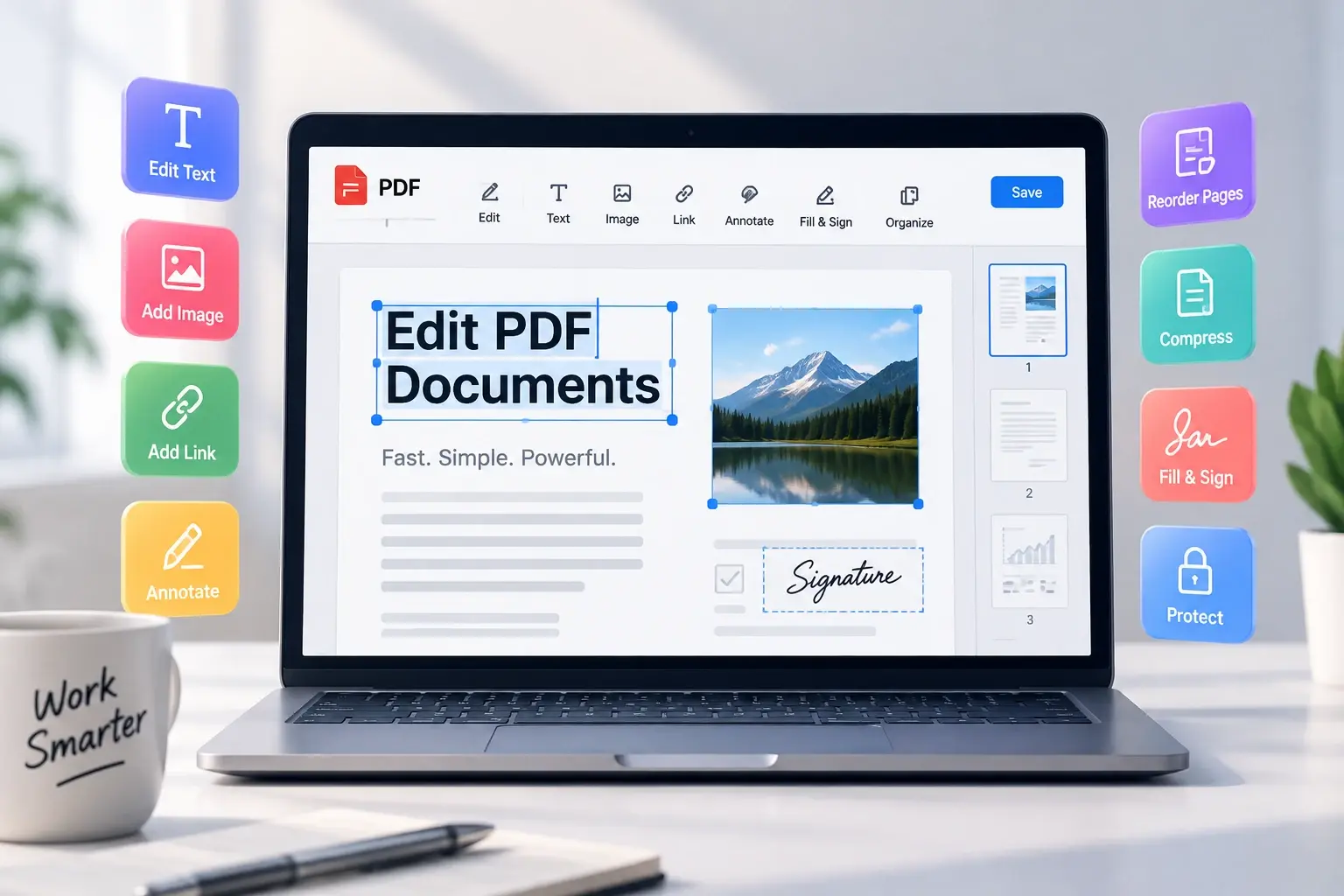
The Privacy-First PDF Editor That Runs in Your Browser
Editing a PDF shouldn't mean having to upload confidential financial records, personal identification, or legal contracts to an unknown cloud server. Most online editors force you to register, pay expensive monthly subscriptions, or leave watermarks on your work.
EatBit's Free PDF Editor No Sign Up is engineered from the ground up using cutting-edge WebAssembly and HTML5 Canvas technology. Every edit—from changing a typo in a contract to redacting social security numbers—happens entirely on your own machine.
Powerful Tools Without the Paywall
Edit & Add Text
Click existing text to edit it, or click anywhere to type new text. Make text bold, change font size, family, and color.
Sign PDFs & Fill Forms
Type, draw, or upload your signature. Click any form field to type, or add text to non-interactive forms easily.
Insert Images & Logos
Drop in business logos, stamps, or illustrations. Drag to move and use corner handles to resize seamlessly.
Annotate & Add Links
Highlight or strikethrough text, add rectangular or elliptical shapes, and insert or edit clickable hyperlinks.
Whiteout & Redact
Easily drag redaction boxes over sensitive prices, addresses, or confidential details to hide them securely.
Rotate & Delete Pages
Fix upside-down scans with 90° rotation or remove unnecessary pages from the document with one click.
Find & Replace in PDF
Easily find and replace all occurrences of specific words or phrases throughout your entire PDF document.
100% Secure & Local
Get the privacy of an offline desktop app right in your browser. Your files never leave your computer.
No Sign-Up or Limits
No email required, no watermarks added, and no hidden subscriptions. Ready to use whenever you are.
How to Edit a PDF for Free in 3 Easy Steps
Upload Your Document
Drag and drop any PDF file into the editor. The document renders instantly in your browser.
Make Your Edits
Click existing text to retype it, add new text annotations, insert images, or cover confidential info.
Export Your PDF
Click "Export PDF" to compile your modified document and download it without any watermarks.