QR Code Generator — URL, WiFi, vCard, WhatsApp and more
Encode a link, guest WiFi, contact card, or chat in this browser. Colour, logo and frame options. Download PNG, JPG or SVG. No account and no EatBit tracking on scans.
Content Type
Colors & Gradients
Module & Eye Shapes
Border Frame
Logo
Error correction auto-switches to H
Advanced
Download
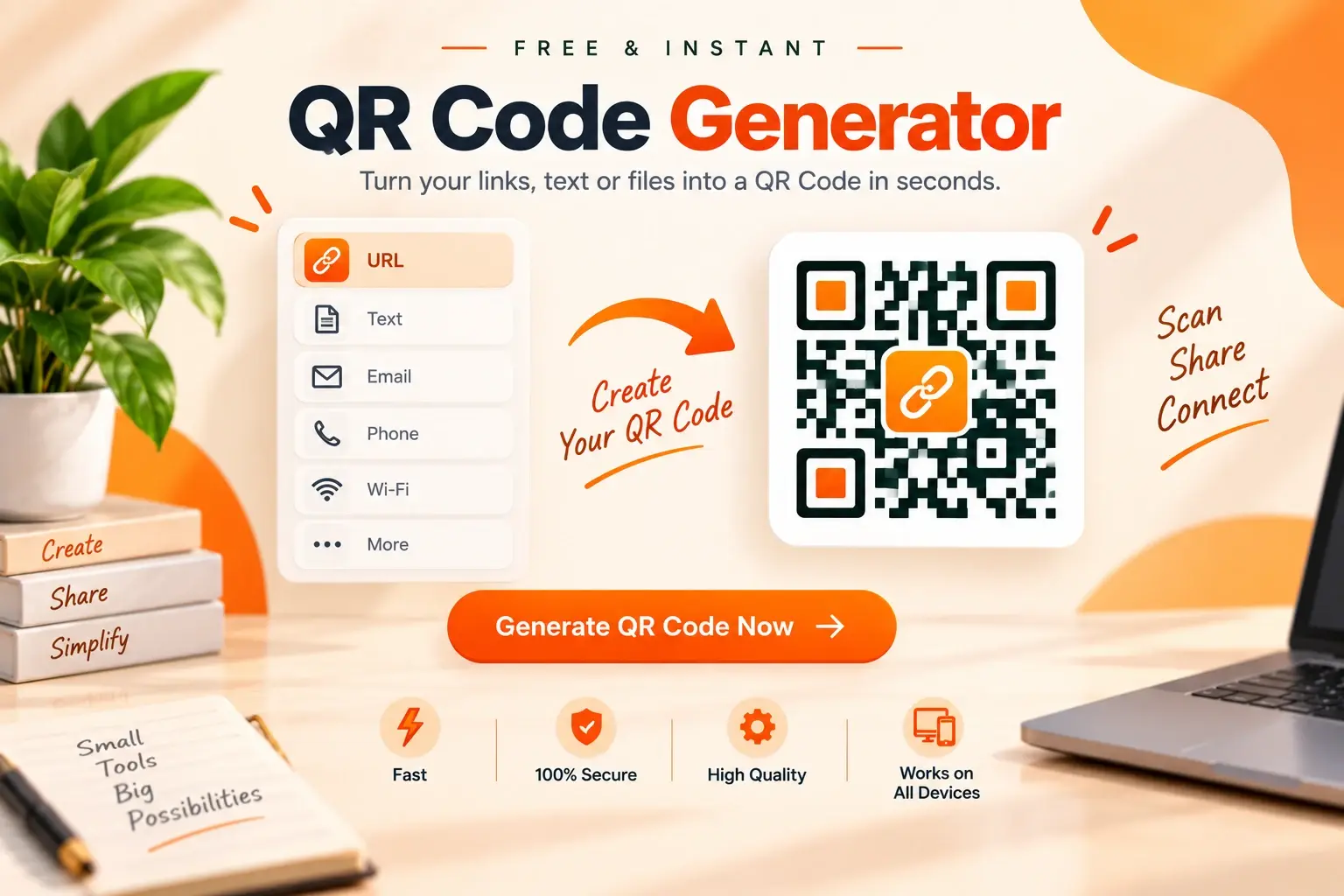
What this generator actually encodes
Every tab writes a standard payload: a URL, plain text, a WIFI: string, a vCard, mailto:, tel:, sms:, a WhatsApp click-to-chat link, or a URL that points at a PDF you already host. There is no EatBit shortener and no scan analytics, which is why codes do not expire on our side.
Separate WiFi / WhatsApp / vCard landing pages used to wrap this same editor. They now redirect here with the matching tab open so the site is not a stack of near-duplicate URLs.
Tabs and when to use them
URL & text
Menus, tickets, GitHub repos, or any string. Keep URLs on HTTPS; many cameras warn on plain HTTP.
WiFi
Guest networks for cafés, Airbnbs and meeting rooms. Print at least 5×5 cm. Laminate table cards if they will be handled daily.
vCard
Name, phone, email, company, site. Scanning offers Save Contact instead of opening a website. Useful on badges.
Builds a wa.me link with an optional pre-filled message so a poster can start the right conversation.
Email / phone / SMS
Opens the default mail or dialer with fields filled. Confirm the country code on phone numbers.
The QR only stores a link. Host the file (Drive, your site, a menu URL) first, then paste that URL here.
Design that still scans
Dark modules on a light background are the reliable default. A logo is fine if error correction is High — the generator switches that automatically when you add a logo. Do not cover finder patterns in the three corners. For print, leave a quiet zone (plain margin) around the code.
Brand-coloured Instagram or TikTok styles are cosmetic. Phones still decode the bits; they do not require the official in-app QR. If a scan fails, increase contrast and size before changing the URL.