PDF Merger Free No Sign Up

Merge & split PDFs online. Drop in PDFs, drag pages into the order you want, mark a split, and export. Every page stays in this browser tab — nothing is ever uploaded anywhere.

Drop PDFs here

or browse files from your device
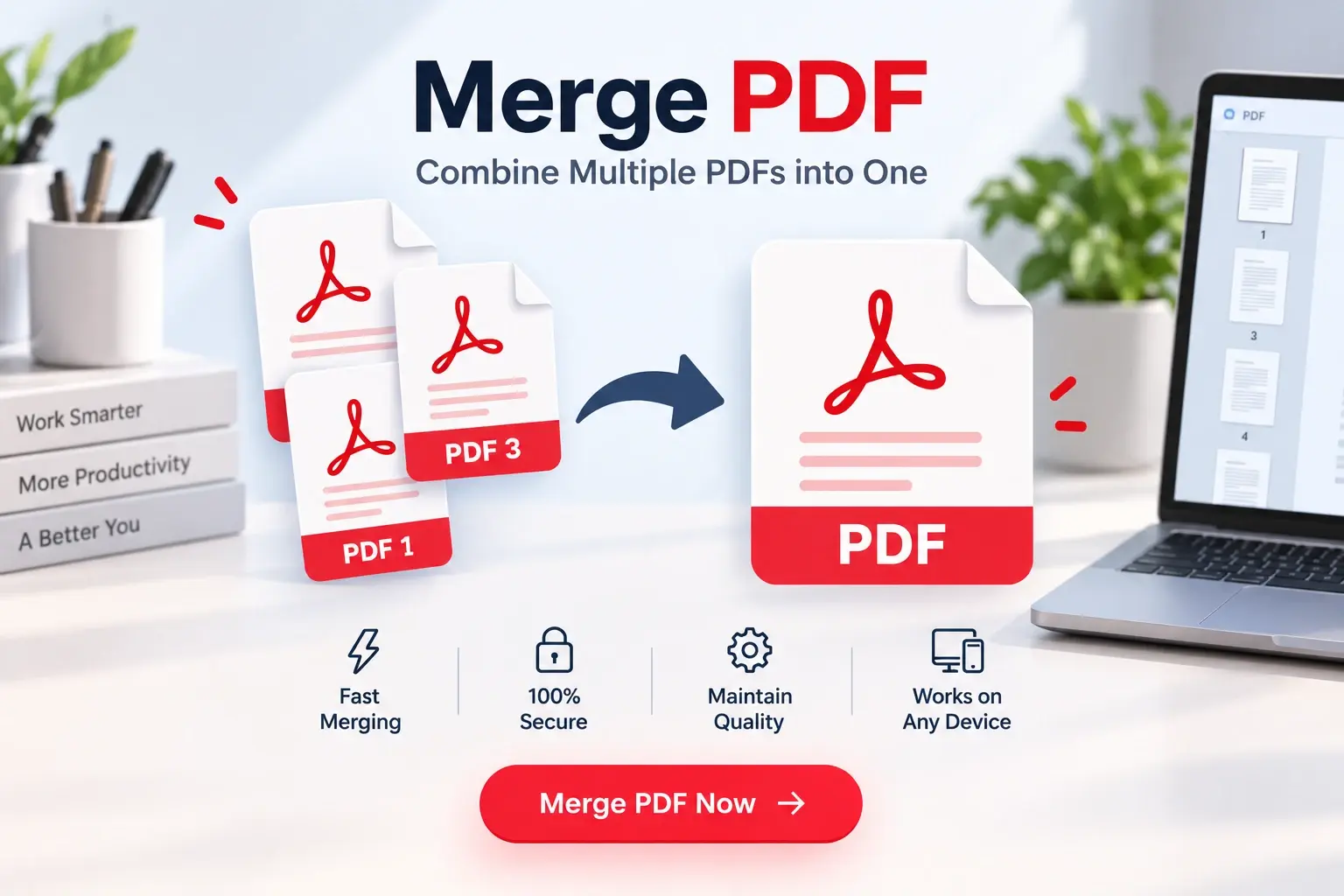
Merge, Split, and Reorder PDFs — Privately

Combining documents or extracting specific pages shouldn't require uploading sensitive information to a random server. That's why we built this client-side PDF Bundle tool. Everything happens right here in your browser.

Whether you're compiling tax documents, removing a blank page from a scan, or splitting a large manual into chapters, our tool gives you full visual control with drag-and-drop simplicity, all without compromising your data privacy.

Features at a glance

🔄

Merge PDFs

Drop multiple files and combine them into one seamless document.

✂️

Split PDFs

Insert split markers between pages to export multiple smaller PDFs at once.

🖐️

Drag & Drop

Visually rearrange pages or remove unwanted ones before exporting.

Frequently asked questions

Are my PDFs uploaded to your servers?
No. The entire PDF merging, splitting, and rendering process happens locally in your web browser using JavaScript (specifically pdf-lib). Your files are never uploaded, sent, or saved to any external server.
How do I split a PDF?
Upload your PDF. You will see a grid of all pages. Hover between any two pages and click the '✂' icon to mark a split. When you click Export, a separate PDF file will be downloaded for each split segment.
How do I merge multiple PDFs?
Click 'Add more files' or drop multiple PDFs into the dropzone at once. All pages from all uploaded PDFs will appear in the grid. You can drag and drop the pages to mix them into whatever order you want, then export as a single bundled PDF.
Can I remove specific pages from a PDF?
Yes. Hover over any page thumbnail and click the '×' button to remove that page from your bundle before exporting.
Why is my browser blocking the download of split PDFs?
When you split a PDF into multiple segments, the tool triggers multiple file downloads at the same time. Some browsers block this as a security measure. Look for a pop-up blocker icon in your URL bar and allow multiple downloads from this site.