Why Your Image Tools Should Be Privacy-First:
Introducing the EatBit Cropper & Resizer
Crop and resize your images securely in your browser without losing quality. Our new client-side tools are fast, free, and never upload your photos to a server.
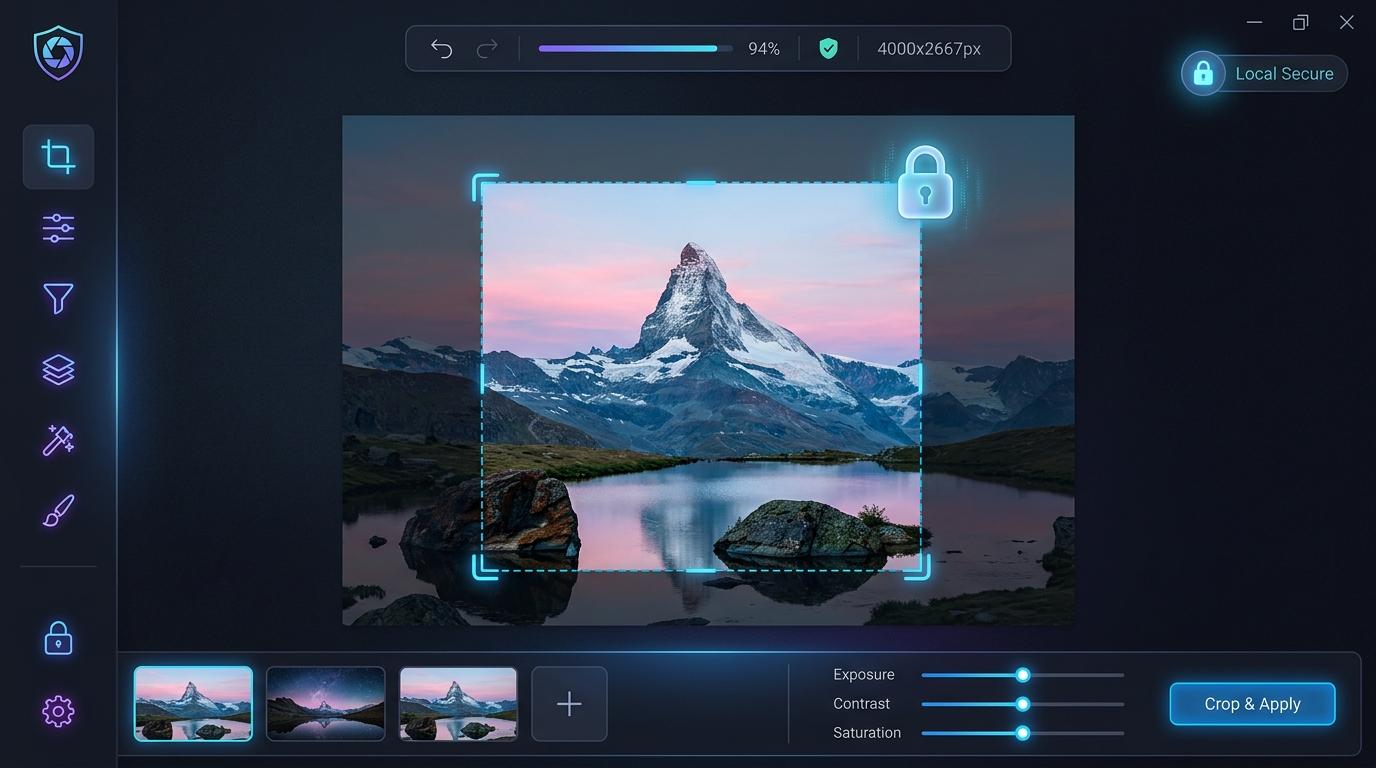
We've all been there. You need to quickly crop a screenshot for a presentation, resize a banner for your social media, or adjust a photo before sending it to a client. You type "free image cropper" into search, click the first link, and upload your file.
But have you ever stopped to wonder where that file is going?
The vast majority of free online image utilities rely on server-side processing. This means your private photos, confidential screenshots, and personal data are uploaded to a remote server, processed, and then downloaded back to your device. Not only is this inefficient, but it's a massive privacy risk.
At EatBit, we believe everyday web utilities shouldn't compromise your data. That’s why we built our new Image Cropper and Resizer with a privacy-first approach.
The Power of Client-Side Processing
Our new image tools run entirely in your web browser. When you select an image to crop or resize, it never leaves your device. By leveraging modern browser capabilities like the HTML5 Canvas API, all the pixel manipulation happens locally on your machine's CPU.
Here is why this matters:
- 100% Privacy: Because your image is never uploaded to a server, there is zero risk of your data being stored, viewed, or sold. Your files stay yours.
- Lightning Fast: No waiting for files to upload or download, even on slow internet connections. The moment you make a crop or change a dimension, the result is ready instantly.
- No Bandwidth Limits: Working with a massive 20MB high-resolution photo? No problem. Since there are no server costs on our end, we don't need to impose arbitrary file size limits on you.
Features Designed for Everyday Use
We designed these tools to be straightforward and frictionless. No sign-ups, no paywalls, and no hidden watermarks.
- Exact Pixel Control: Need an image to be exactly 1200x630 pixels for a link preview? Set your exact dimensions and get a pixel-perfect crop every time.
- Aspect Ratio Presets: Quickly lock your crop to standard ratios like 1:1 (Square), 16:9 (Widescreen), or 4:3.
- Lossless Resizing: Scale your images up or down while maintaining maximum clarity and saving them in web-optimized formats.
The EatBit Digital Toolkit
These new additions sit right alongside our AI-driven utilities, like our seamless watermark remover. Our goal is to build a comprehensive digital workspace where creators, developers, and everyday users can get things done faster and more securely.
Ready to take back control of your files?
Try It Now — Free
Crop and resize your images instantly and privately.
Open the Image Cropper & Resizer →