How to Create Custom QR Codes for Free
Generate high-quality, customizable QR codes for links, text, and more without any subscription or sign-ups.
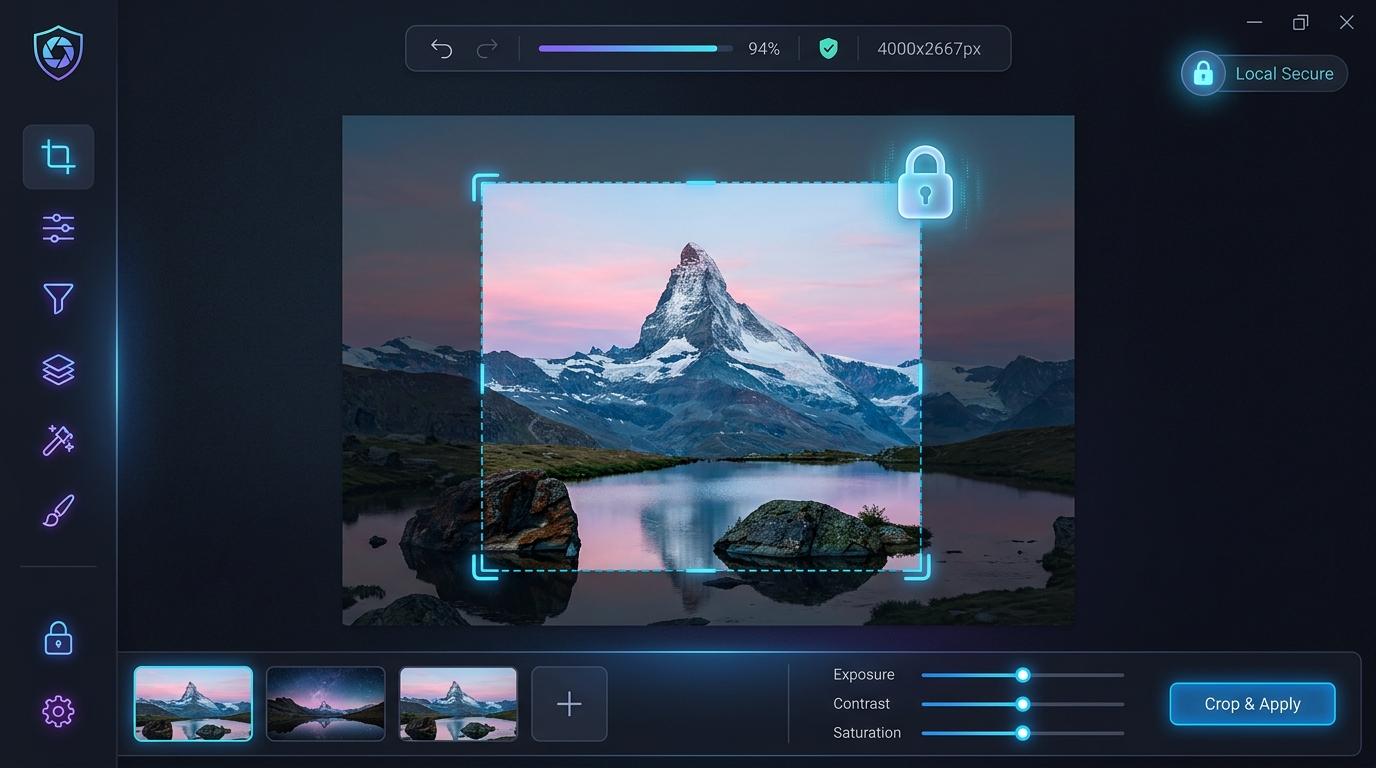
Welcome to the ultimate guide on using our QR Code Generator. Generate high-quality, customizable QR codes for links, text, and more without any subscription or sign-ups.
Whether you are a developer, designer, or just looking to optimize your digital workflow, having the right tools can make all the difference. Our tools are designed with a privacy-first approach, ensuring that your data stays on your device.
Why Use Our QR Code Generator?
Unlike many online tools that force you to upload files to their servers, our QR Code Generator operates entirely within your browser. This means:
- Absolute Privacy: Your data never leaves your device.
- Zero Wait Times: Processing is instant, utilizing your own machine's power.
- No Sign-Up Required: You don't need to create an account or provide an email address.
How to Get Started
Using the tool is incredibly straightforward:
- Navigate to the QR Code Generator page.
- Input your data or upload your file securely.
- Adjust any settings or parameters as needed.
- Click the generate/convert button to get your results instantly!
Try It Now — Free
Use our QR Code Generator securely and for free. No account, no upload, no waiting.
Open the QR Code Generator →